
Reseller guide
B-Stock liquidation auctions: bids, fees and terms
B-Stock hosts sales of liquidation goods, meaning stock businesses are clearing, including excess goods and items customers sent back. An auction lets buyers compete by bidding, offering a price, and a winning bid commits you to buy under the stated terms. The seller, listing and checkout system determine your fees, payment steps, shipping and claim rights. Read them before setting a bid limit, since B-Stock's public rules differ.
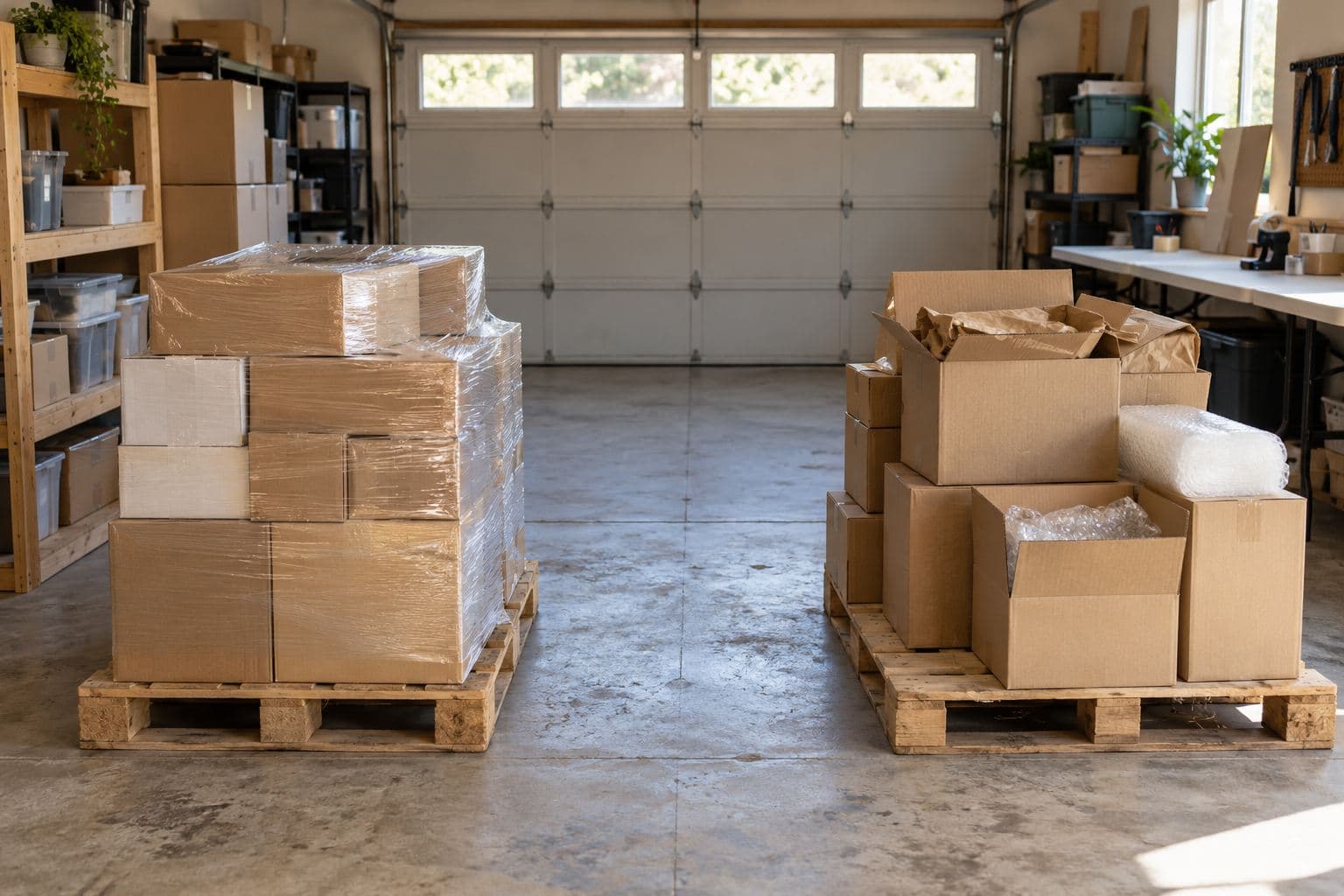
Identify the seller behind the storefront
#Compare buying formats in the online marketplace guide.
A marketplace is a website that hosts sales. A storefront is a seller's section of that website. B-Stock describes private retailer storefronts and Supply: a private storefront serves one retailer or maker, while Supply brings together sales from different businesses. Your purchase terms come from the seller and the offer you choose.
Check the contract's business name, the goods' location and who handles complaints. A pallet is a flat base used to move goods, while a truckload is a purchase or shipment at truck scale. Check space needs and counts of complete items for the actual offer.
For a first purchase, choose a size you can receive and sort. Read single-pallet buying if that's the amount your space can handle. The glossary explains trade terms you'll find in listings.
Register, then check access to the sale you want
#As of October 2026, the cited platform rules apply. Its bidding help says one registration gives access to most storefronts once approved. Its older storefront explainer describes separate approval for each private marketplace. With those rules in conflict, check your access on the actual listing.
Supply's buying page asks US buyers for a resale certificate. That's state tax paperwork for qualifying goods bought to resell. Its FAQ makes an exception for buyers in Alaska, Delaware, Montana, New Hampshire and Oregon. Check which papers your seller needs for your location. Site approval and state tax rules are separate checks.
Use the tax paperwork guide if you need help with that distinction. Get your papers ready before bidding so you can finish the purchase.
Understand the bid you're placing
#A lot is the whole item or group offered in one sale. A proxy bid lets the platform bid in steps on your behalf up to a maximum you set. Under B-Stock's current bidding instructions, bids commit you to pay. Leave room in your bid limit for charges beyond the goods' price.
Check each auction's bid steps and closing rules. The Amazon storefront FAQ describes extensions after late bids. Extensions move the closing time, so read the rules before planning pickup or payment.
B-Stock also offers Buy Now and Make an Offer. Buy Now uses a stated price. Make an Offer lets you send a price to the seller for review. The same guide separates spot listings, goods available for a single purchase, from contracts for future supply over a stated period.
Before signing a contract, check how long it runs, the shipment count and when you pay. Plan to receive and sort each shipment. If you want one pallet, check that's all you're agreeing to buy.
Check the fee shown for your transaction
#A buyer's premium is a fee added to the bid. B-Stock uses the name B-Stock Fee. Its general buying and payments page says the fee depends on purchase size and appears under the bid or purchase button. The Supply buying page still states a standard 10% buyer's premium. Supply's FAQ specifies 10% of the final bid price.
Use your listing's fee; these rates vary. Payment charges may be separate.
Business days usually exclude weekends and holidays. The payments update lists these charges for the new buyer checkout:
| Method | Meaning | Stated payment charge |
|---|---|---|
| ACH | A bank-to-bank payment through the US transfer network | None |
| Net Terms | 30-day payment terms for qualified buyers, within their available credit | 1.67% convenience fee from the payment processor |
| Credit card | Payment using an accepted card | 3% convenience fee from the payment processor |
| Wire transfer | Manual, in-person payment; two to four business days to process | Fees may apply, based on your bank |
A convenience fee is an extra charge for the payment method. B-Stock says it passes on the Net Terms and card fees without a markup. You can use Net Terms alone only within your available credit. For larger orders, the page allows Net Terms plus ACH during its five-minute checkout window. Check each fee's base and the final charge. Add the listing's buyer fee, shipping and any tax to these payment charges.
Freight means transport by a carrier, the company moving the goods. Made-up example: a $500 bid, an assumed 10% buyer fee and $150 freight total $700, before any other charges. The fee is $500 × 0.10 = $50, so $500 + $50 + $150 = $700. The rate is chosen for this example. Use your listing's fee to set your limit.
Landed cost is what you pay to get goods to your receiving place. The landed-cost guide and pallet profit calculator help you put those charges together.
Resolve payment instructions before you bid
#In the new checkout, you select payment when bidding. B-Stock's payment update says ACH, Net Terms and card payments are processed after a win; wires are manual. Its steps give five minutes after a win to review or change the shipping address. Yet its payment-change FAQ starts a five-minute window when you submit a bid. The page also ties split payments to a five-minute checkout window. Before bidding, ask when each window starts. Confirm your address first; once payment is processed, the general payments guide says it can't be changed.
Older instructions remain public. Supply's buying page calls for US-dollar wire payment within two business days of auction close. B-Stock's payment update says previous payment processes still apply in its previous buyer checkout and can vary by seller.
The bidding help names ACH or Net Terms, while the payment update also lists cards and wires. Use your bid's options and agreement. Before bidding, ask support about mismatches and save the reply.
Have funds for the full order by its deadline, even if you haven't resold anything yet. If payment fails, follow the order's support steps. A delay isn't permission to cancel a win.
Read condition and shipping as separate parts of the offer
#A manifest lists the lot's goods. Read it with the condition grade, the seller's label for the state of the goods. Ask what was checked and whether counts mean boxes, pieces or complete items. The manifest guide explains those fields.
Product condition and box condition can differ. On Amazon's condition page, mixed product condition can include salvage, goods needing major repairs or suited to parts use. Non-original packaging means goods have been packed again. Use your seller's definitions; these apply to Amazon's storefront.
Supply warns that photos may be samples and retail totals aren't checked by B-Stock. A retail total refers to retail prices. Ask whether photos show the exact lot. Its FAQ says goods can't be inspected before bidding unless the listing says otherwise. Keep retail totals apart from money received, and check whether the goods work.
B-Stock's shipping guide describes seller-arranged, buyer-arranged and flat-rate routes. Seller-arranged means the seller books transport; buyer-arranged means you book it; flat-rate means a fixed shipping charge. Ask if the pickup site accepts your vehicle or needs a commercial truck. For seller shipping, get a quote for your address and services.
A liftgate is a truck platform that lowers goods to the ground. Tell the seller if you need one or are using a home address. Ask who moves the pallet after delivery. The freight guide covers access and equipment checks. Use your storefront's shipping rules.
Find the seller's claim deadline before delivery
#The Supply FAQ says buyers have two days after delivery to file a complaint. It doesn't say business days. B-Stock's dispute table instead lists five business days for Supply. Before bidding, ask B-Stock which deadline applies. The table also lists each seller's proof and threshold, the minimum loss for a claim to qualify.
Amazon is a visible wording conflict: the table says five business days, while its January 2026 contract says five days. The Amazon buying guide explains the contract checks. Ask for written clarification before bidding, and report any problem as soon as you find it. Your order's deadline remains unresolved.
On arrival, keep the bill of lading (BOL), the freight record describing the shipment. Save the signed delivery paper, listing, manifest, bill and dated photos of wrapped pallets and each affected item. List the exact shortage or damage on a count sheet and follow the seller's claim steps.
Keep carrier damage and seller-description problems clear in your report. Supply's FAQ says most sales are as is, meaning you accept the stated condition under the contract. Read the actual relief rules before expecting a return.
Check that the goods can be offered for resale
#Read the purchase contract for name-use and resale limits before choosing sales channels. Retailers are named here as sources. Check permission to use their names in your ads. The Amazon guide covers one such restriction.
Only test what you can test safely. Don't test swollen or damaged batteries, damaged cords, gas appliances or recalled goods. Check CPSC recalls and follow the notice and maker's instructions. CPSC's seller safety guidance applies to resellers. Check used goods for dirt and signs of pests. Keep opened or used personal-care goods out of your resale stock. The inspection guide covers that work. This guide is not legal, tax or financial advice.
Compare purchases using your own records
#Record each pallet's source and cost to compare completed sales with unsold goods. A notebook or spreadsheet works. PalletPro records each pallet's source and cost, and Analytics compares your own pallets by the supplier and pallet type you enter. Keep purchase terms and dispute files with your separate records: see the app.
Sources
#- Auctions, Supply and private marketplaces - B-Stock, no date shown (checked October 1, 2026).
- How to start bidding - B-Stock, no date shown (checked October 1, 2026).
- How to buy on Supply US - B-Stock Supply US, no date shown (checked October 1, 2026).
- Amazon US buyer FAQ - Amazon Liquidation Auctions / B-Stock, no date shown (checked October 1, 2026).
- Buying formats and payments - B-Stock, no date shown (checked October 1, 2026).
- Payments update - B-Stock, no date shown (checked October 1, 2026).
- Product and packaging conditions - Amazon Liquidation Auctions / B-Stock, no date shown (checked October 1, 2026).
- Shipping: B-Stock shipping methods - B-Stock, no date shown (checked October 1, 2026).
- Supply US FAQ - B-Stock Supply US, no date shown (checked October 1, 2026).
- Dispute-policy table - B-Stock, no date shown (checked October 1, 2026).
- Amazon US terms of purchase - Amazon.com Services, LLC, updated January 29, 2026 (checked October 1, 2026).
- Recalls & product safety warnings - US Consumer Product Safety Commission, current database (checked October 1, 2026).
- Online sellers safety guide FAQs - US Consumer Product Safety Commission, no date shown (checked October 1, 2026).
Updated
More guides
- Buying Amazon liquidation truckloads
Understand Amazon's bulk buying routes, buyer approval, freight rules and resale limits before you commit to a liquidation pallet or truckload.
- Buying at local liquidation auctions and bin stores
Compare local auctions, warehouse pallet sales, and bin stores. Check inspection rules, full costs, pickup plans, and bins as a selling outlet.
- Buying one liquidation pallet: suppliers and pickup
Learn how to buy one liquidation pallet, check the seller and contents, compare the full cost, and plan inspection, pickup or freight delivery.
- Online liquidation marketplaces: how buying works
Compare online auctions, fixed-price purchases and public surplus sales, then check buyer fees, condition, payment and pickup before buying.