
Reseller guide
Identify liquidation items from photos and labels
Start with marks on an unknown item, then use a photo search for possible matches. Liquidation goods are stock a business is clearing out. Google Lens can return similar images and pages; compare the model, the maker’s name or code for a product version, and visible details before writing a listing, the item’s sale advertisement. Google’s image-search guide explains what its results include.
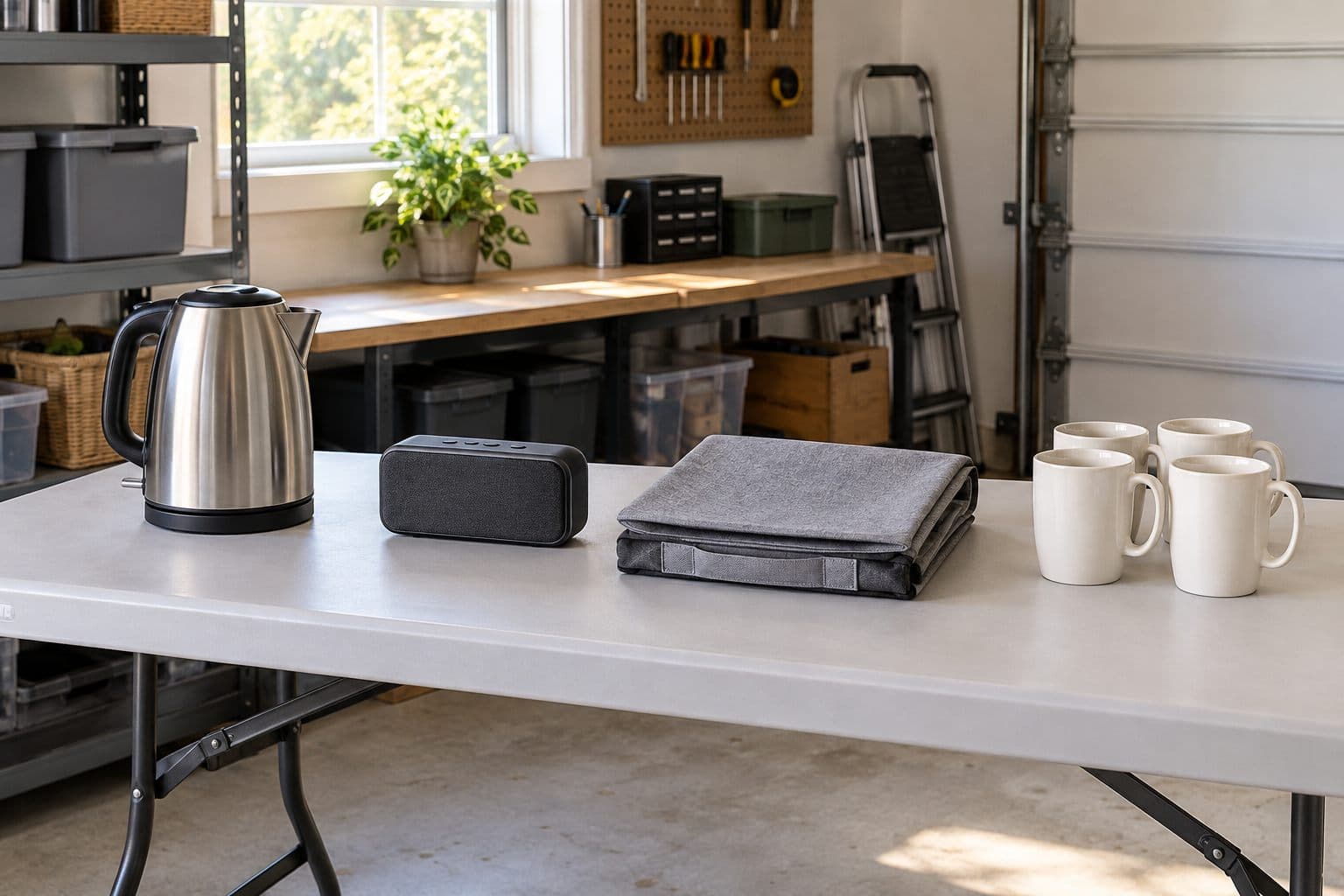
Keep one unit and its parts together
#Give the item an ID, a short code you choose for your own records, before moving it to the research table. Put loose parts beside it. If you have several similar units, research them separately until you have checked their labels and contents.
A liquidation return is an item a buyer sent back. The word describes its history, not your inspection result. A manifest is the supplier's list of goods offered in the purchase. Keep its description in a separate note from the name you later confirm. Use the manifest guide and trade glossary when reading those records.
Photograph the item before removing packaging that might help you compare it with the saved offer. Keep past buyers' names, addresses, order details and account details out of any image you send to a search service or publish. This is a privacy rule for the workflow, not a reason to photograph a shipping label and crop it later.
Read the item before the carton
#Look at the back, base and any safely accessible tag or label. Write down the exact text you can read. A brand is the name the product is sold under. Record it separately from the model and serial number, the code for an individual unit. For example, HP's printer label guide distinguishes a model name from the unique serial number for an individual printer. Use the actual maker's label guidance for your product, and copy each code under its stated heading.
A UPC, Universal Product Code, is a product identifier commonly shown as a barcode, a machine-readable pattern. A SKU, stock keeping unit, is an internal stock code. GS1 US explains that distinction. An unfamiliar warehouse code needs its own explanation; don't assume it is the maker's model.
Keep unreadable characters marked as unknown. For example, write “Model ends in 7; first characters unclear” rather than filling in a full number from the closest search result. Try another photo in better light. Avoid taking an item apart to find a code you can't safely reach.
Compare any carton details with the item. If they disagree, note both. The return-label guide covers labels on returned goods; use it for the sticker question rather than treating each code as a public product search term.
Make a useful search photo
#For this workflow, take a full-item photo first, then separate close views of marks and features. Use an uncluttered area. Place the item so its outline, connectors and controls are visible without plugging it in or changing its state.
Choose one view for one question. The full view helps you search for the product type. A label view helps you read a code. A close view of a mounting point or handle can help you compare two candidates. Keep all three tied to the same item ID, so a result found from one view doesn't get assigned to a different unit.
If a photo is blurred or a reflection hides the marks, retake it. Don't edit the product to add a missing label, change a connector or hide a fault. Your search record should show the item you have.
Search, then open the possible matches
#As of October 2026, Google's computer instructions let you submit a file through Search by image and add text to the search afterward. Results can include objects in the image, similar images and websites. Use those published Lens steps rather than assuming every image result names the exact product.
Start with the whole item. If the result is broad, add words you can support from the item, such as product type, visible brand or model text. Try the label or feature photo separately. Keep the search phrase and the useful page link in your notes.
Open the page behind a promising picture. Read its model, dimensions, contents and stated use. Treat an AI summary, text generated by an artificial intelligence system, as a lead to verify against that page and the item. Don't copy an answer into the listing just because it sounds specific.
Compare details that could rule a match out
#Use a comparison table while you research. A candidate is a possible match; it becomes your chosen description only after you can support it.
| Detail | What is on your item | What the candidate page says |
|---|---|---|
| Brand and model text | Exact readable text, or unknown | Stated brand and full model |
| Shape and controls | What you can see in your photos | Shape and controls shown |
| Size | Your measurement, with units | Stated size and what it measures |
| Included parts | Parts beside this unit | Parts named for that product |
| Other printed product details | Exact label text, without a guessed meaning | Matching text in the maker's details |
If a candidate has different final letters or numbers in the model code, a different connector or a different size, keep that difference visible. Search again instead of smoothing it out. For a part that must fit a tool, appliance or vehicle, hold any fit claim until you have the maker's information for the exact part and use.
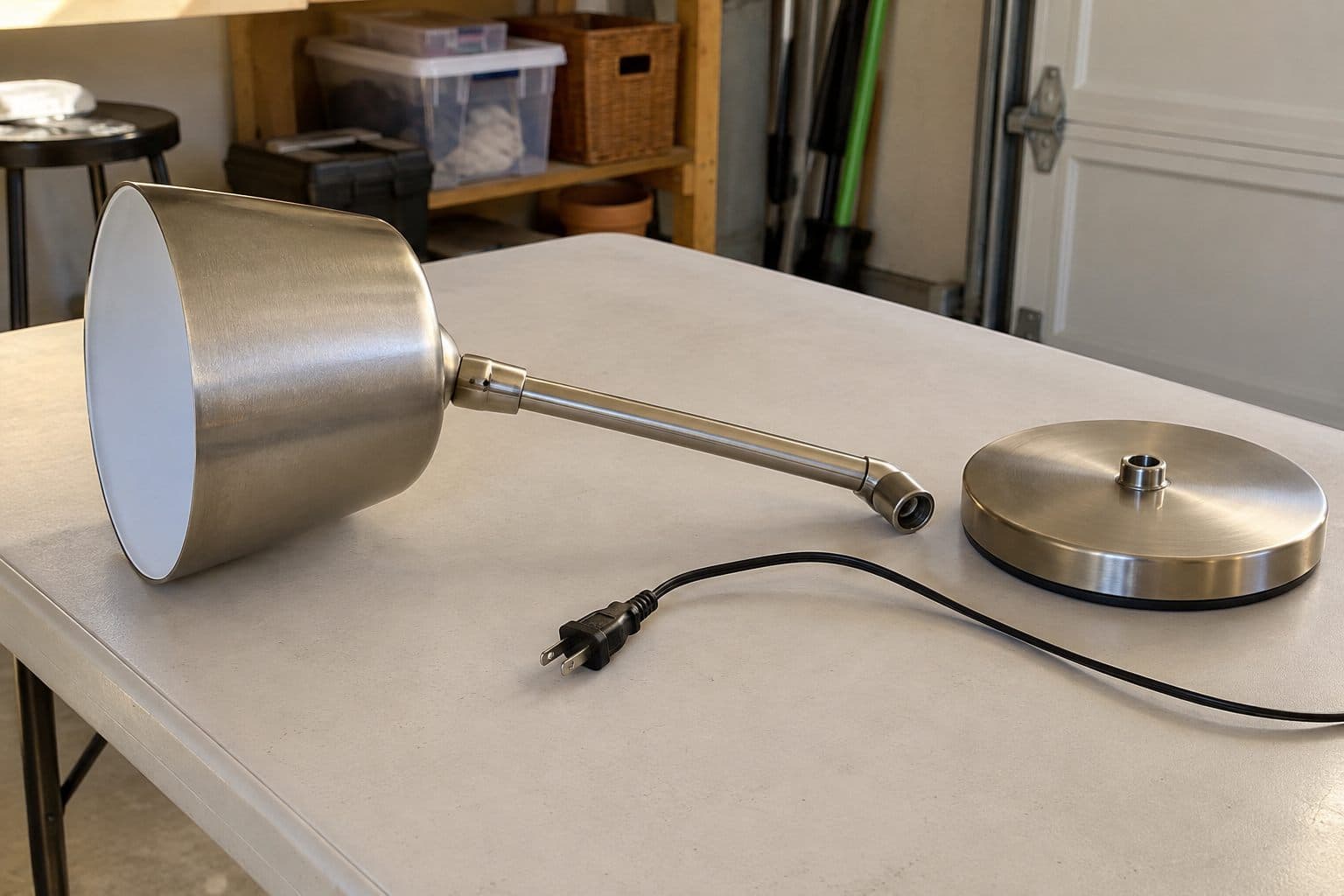
Make a short decision note: “Possible desk lamp match; model plate missing; connector differs from page.” That tells you where to resume. “Found online” leaves the main question open.
Ask the maker when the model matters
#Use the manufacturer's support page, manual or parts diagram for the candidate you are checking. Send the relevant item photos and readable label text through the maker's stated support route. Ask a narrow question: which model is this, or does this named part belong to that model?
Keep the reply with the item record. If the maker can't confirm the model, record that limit. Don't replace it with a reseller's confident caption. A manual for a look-alike product remains a comparison until you can connect it to the unit in front of you.
Made-up example: a loose desk lamp resembles a page for model DL-200. Your lamp's label is unreadable and its base connector differs from the page photo. Record “Desk lamp; model unknown” and hold it for more research.
Keep identity and working state separate
#Finding a name leaves the condition question open. In your record, keep separate fields for confirmed identity, missing parts and the checks you actually did. For a partial function check, use wording such as “Powers on; other functions untested.” Don't shorten that to “tested.”
An inspection note is separate from a marketplace condition. In guidance checked October 9, 2026, eBay says its options “vary depending on the category you list your item in.” Whatnot says, “For detailed information, please refer to the condition guides linked below.” Read your category’s rules before choosing a condition; do not assign one solely from “Untested.”
Only test what you can test safely. Never test swollen or damaged batteries, damaged cords, gas appliances or anything recalled. Use the actual model's instructions and qualified help where needed. The inspection guide covers safe checks and the notes to retain.
Before resale, search the US Consumer Product Safety Commission (CPSC) recall database and the manufacturer’s recall notices. A recall is a notice calling for action on a product hazard. Read a possible match's affected models and remedy, the action specified in the notice. CPSC's resale guidance asks resellers to examine goods and check recalls.
If the model is still unknown, keep “Recall check incomplete” in the record. An image search is not the basis for clearing that hold. Seek the maker's help and follow the applicable notice. This guide is not legal, tax or financial advice.
Carry confirmed details into pricing
#Write the name at the level your evidence supports. For a nonpowered storage basket, that might be a product type, measured size and observed material, with the maker left unknown. For an unresolved powered product, a broad name may help organize the hold; it doesn't make the item ready to list.
On eBay, required product details must be accurate, and details copied from its product catalog, a library of product information, must match the item. Check the item description policy before using a search result to fill those fields. Leave unsupported claims out of your copy and resolve required details before posting.
Once the unit is identified and cleared for listing, use the pricing guide to compare the right product and condition. Keep an active listing's asking price separate from a completed transaction. For the next step, use the photos and wording checklist for the checked unit.
Save the suggestion with your own checks
#Keep the proposed name and your evidence close to the item record. A notebook or spreadsheet works. PalletPro can suggest an item name from a photo that you can check and edit; confirm it against the unit and your sources before using it in a listing. See the app
Sources
#- Liquidation industry glossary - Via Trading, no publication date shown (checked October 9, 2026).
- Locate printer model and serial details - HP Support, no publication date shown (checked October 9, 2026).
- Search with an image on Google - Google Search Help, no publication date shown (checked October 9, 2026).
- What is a UPC code? - GS1 US, no publication date shown (checked October 9, 2026).
- Item description policy - eBay, no publication date shown (checked October 9, 2026).
- Resale/Thrift Stores - US Consumer Product Safety Commission, no publication date shown (checked October 9, 2026).
- Recalls & Product Safety Warnings - US Consumer Product Safety Commission (checked October 9, 2026).
- Item condition by category - eBay, no publication date shown (checked October 9, 2026).
- Listing conditions and expectations on Whatnot - Whatnot, April 10, 2026 (checked October 9, 2026).
Updated
More guides
- Liquidation pallet inventory spreadsheet: what to track
Use a pallet inventory sheet to connect each item to its purchase, checks, shelf location and actual sale, while keeping unsold stock separate.
- Receiving and storing liquidation inventory
Plan pallet delivery, unloading equipment and sorting space, document arrival problems, and keep liquidation items connected to their storage records.
- How to inspect and test liquidation returns
Inspect liquidation returns for missing parts, damage and recalls. Record safe checks and describe working state without overstating a partial test.